



Meowzino Mobile App
The Meowzino app lets you enjoy a casino gaming experience on any device you carry with you. It works as a Progressive Web App, which means you don’t need to download anything. All you have to do is set it up quickly in your browser and get an icon on your home screen ready to go. The app has all the games and bonuses from the desktop site.



Advantages of Mobile Casino
There are some clear and some less obvious changes that happen when you play through the Meowzino casino app.
The main difference is portability. A PC session needs you to be in a certain place, but a mobile gambling session can take place anywhere. The Meowzino mobile app is great for commuting or lunch breaks. It can fit into times during the day.
Beyond that, PWA technology specifically gives our platform a few advantages over regular mobile betting browsing:
- Battery consumption is noticeably lower than running the same site in a Chrome or Safari browser tab, because PWAs are optimized to use device resources more efficiently
- Storage impact is minimal. The Meow Zino app takes up a fraction of what a conventional downloaded application would on the same device
- Loading speed tends to be faster than the mobile browser version of the site, since the PWA caches key resources locally after the first session
- Push notifications can be configured to alert you to new promotions, tournament start times, and account activity
- Full-screen mode removes the browser address bar and navigation buttons, giving mobile slots and other games more screen real estate on any phone or tablet
- The Meowzino app is not subject to any application store policies
The PWA is browser-based, so a poor internet connection will affect performance. The caching helps with loading, but live casino streams and real-time features still depend on a stable signal.
Meowzino App for Android
The Android Meowzino app download runs through Chrome, which supports the PWA install prompt natively. Here is how it works:
- Open Chrome on your Android phone or tablet and navigate to our website.
- Wait for the site to fully load. On some devices, a small “Add to Home Screen” banner appears automatically at the bottom of the screen.
- If the banner doesn’t show up, tap the three-dot menu icon in the upper right corner of Chrome.
- Select “Add to Home Screen” from the dropdown menu.
- A dialog box pops up asking you to name the shortcut. Leave it as is or rename it to whatever you prefer.
- Tap “Add,” and the Meowzino app icon lands on your Android home screen within seconds.
From there, tapping the icon opens the casino directly without going through the browser first. It behaves like a standalone Android app.
Meowzino APK
There are real risks when you use some APK files, so we do not have a Meowzino APK. They come from outside sources that can’t be checked by a third party. This leaves you open to malicious software, changed files, and fake versions of software that can steal your login information.
We chose to use PWA technology instead. There are no unknown files involved in the process at any point. Please be aware that any APK file of our casino you find online is not the official Meowzino app.
Playing on iOS
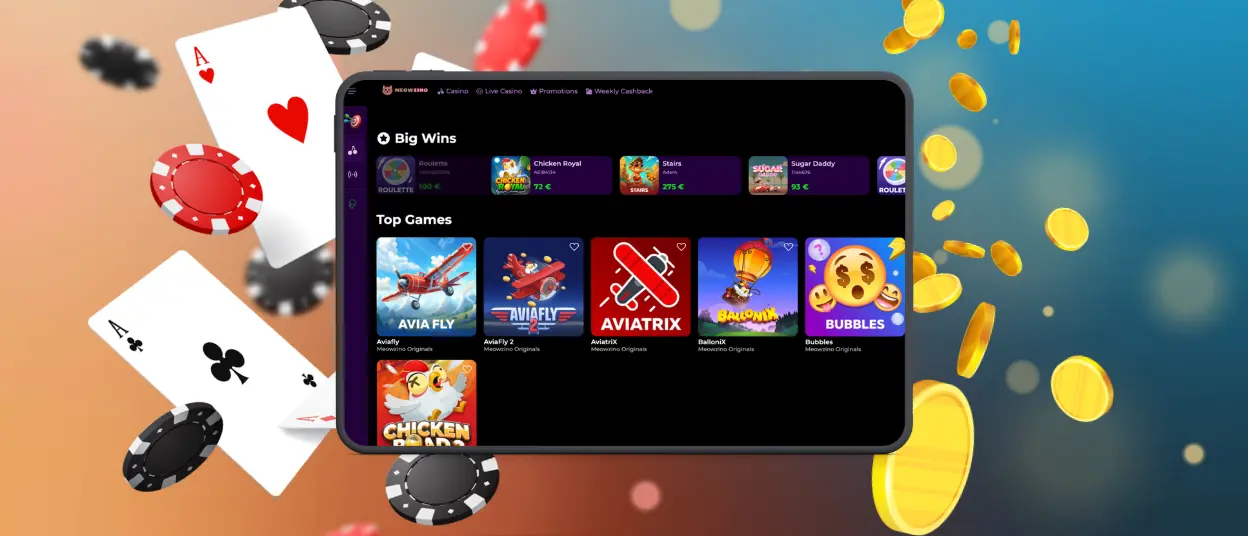
iPhone and iPad users install the Meowzino app through Safari. Apple’s system requires the PWA install function to go through its own browser. The steps are slightly different but just as quick:
- Open our website and tap the button that looks like a box with an upward arrow.
- Scroll through the share sheet and tap “Add to Home Screen.”
- Give the shortcut a name if you want to change it, then tap “Add” in the top right corner.
- The icon appears on your iOS home screen and is ready to use immediately.
The Meowzino download app process on iPhone is just a shortcut setup. The casino opens directly from your home screen and keeps your account synced, which is very convenient and offers many advantages.
| iOS App Feature | What Happens | Why It’s Useful |
| Safari setup | The shortcut is created from the website | You avoid store delays and unofficial download pages |
| First launch | The icon opens the casino in a clean app-like window | It feels more direct than typing the website into Safari every time |
| Casino access | Slots, live tables, promotions, and payments stay in the same account | Nothing is removed just because you are playing from an iPhone or iPad |
| Daily use | The Meow Zino app icon stays on your home screen | Quick sessions become easier, especially when you only want a few minutes of play |
Meowzino Application for Desktop
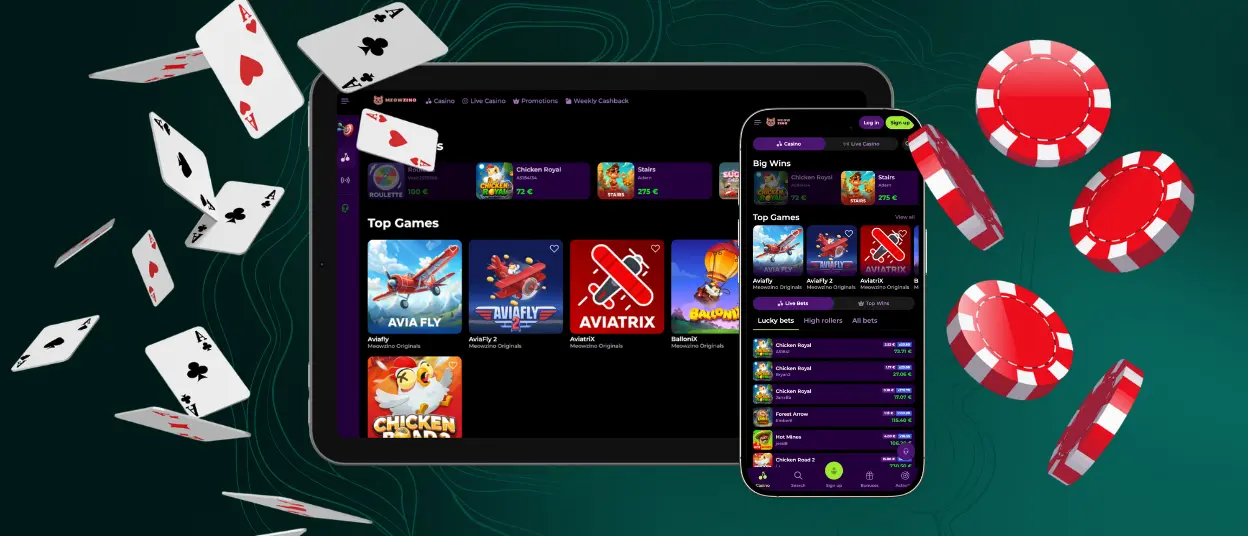
On desktop, the install option shows up as a small icon in the address bar of the browser. It looks like a screen with a download arrow, but different browsers display it slightly differently. It only takes one step to get the Meowzino app on your desktop or taskbar after. Click it and follow the prompts.
What this gives desktop players that straight browser access doesn’t:
- The casino opens faster
- Push notifications work properly
- The window behaves like a standalone program
For players who use regularly from a laptop, the difference in convenience is noticeable after the first few Meowzino app sessions.
FAQ
Are my deposits protected when I use the mobile casino?
Yes. The security layer on the Meowzino app is identical to the desktop site. TLS encryption covers all data in transit, and financial transactions go through the same protected payment processing regardless of which device initiates them. The PWA format does not introduce any additional vulnerability compared to using the full desktop site.
Do I need to update the Meowzino app?
No, and this is one of the practical advantages of PWA technology over conventional apps. Every time the Meowzino app is opened, it checks for updates automatically and applies them in the background before the session starts.
Can I upload verification documents in the Meow Zino app?
Yes. The verification section of the account is fully accessible through the mobile gambling app, and document uploads work the same way they do on desktop. Photos taken directly on the phone camera can be uploaded without transferring them to a computer first.
How is a PWA different from a regular casino app?
Traditional casino apps are built for a specific operating system, distributed via an app store, stored on the device and manually updated. PWAs install via the browser, auto-update, take up very little space and work across operating systems.


